The Cairan Technology wordmark identifies the smart terminal supplier.

RETAIL POS · HARDWARE, SOFTWARE & INTEGRATION

Shorter queues. Better-stocked shelves.

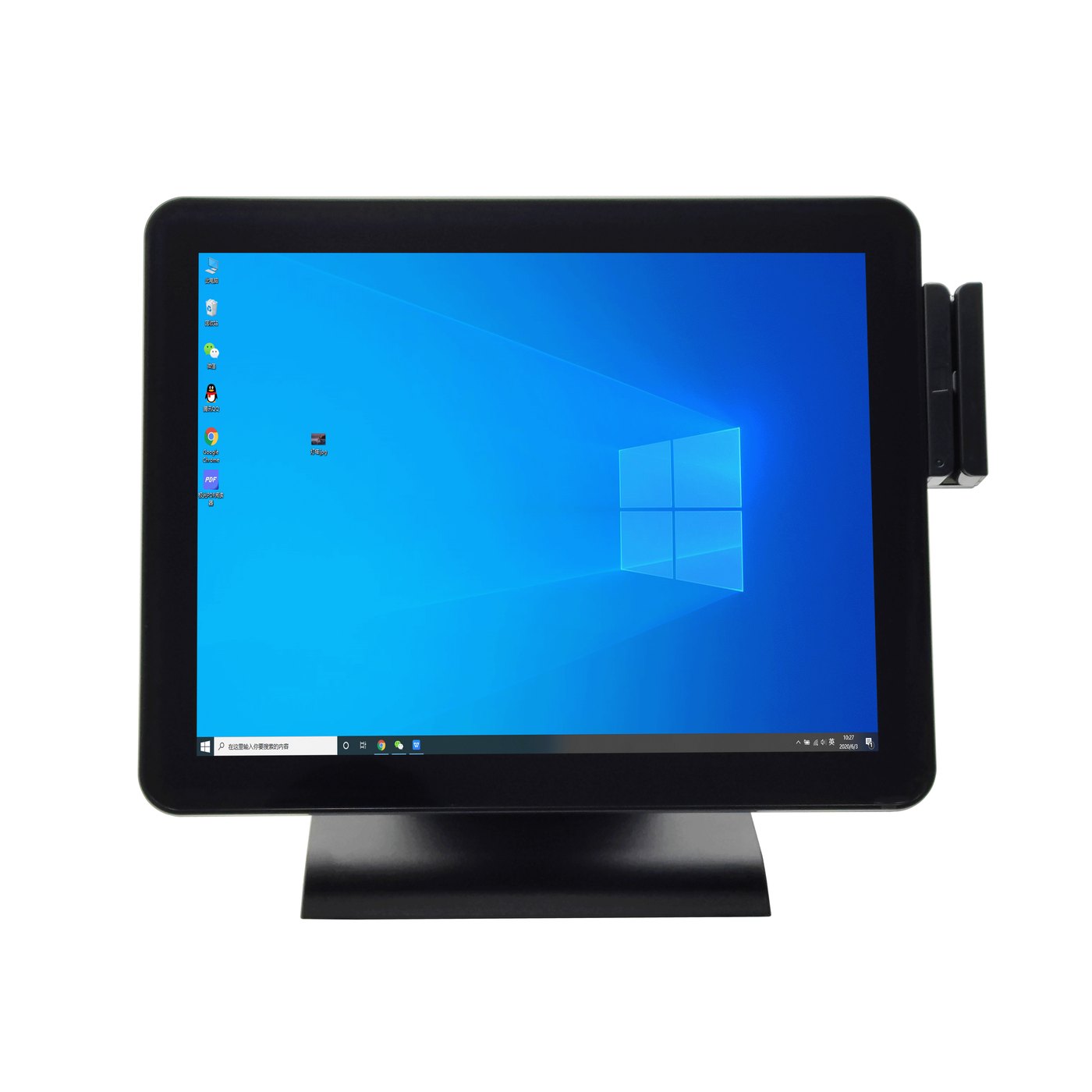
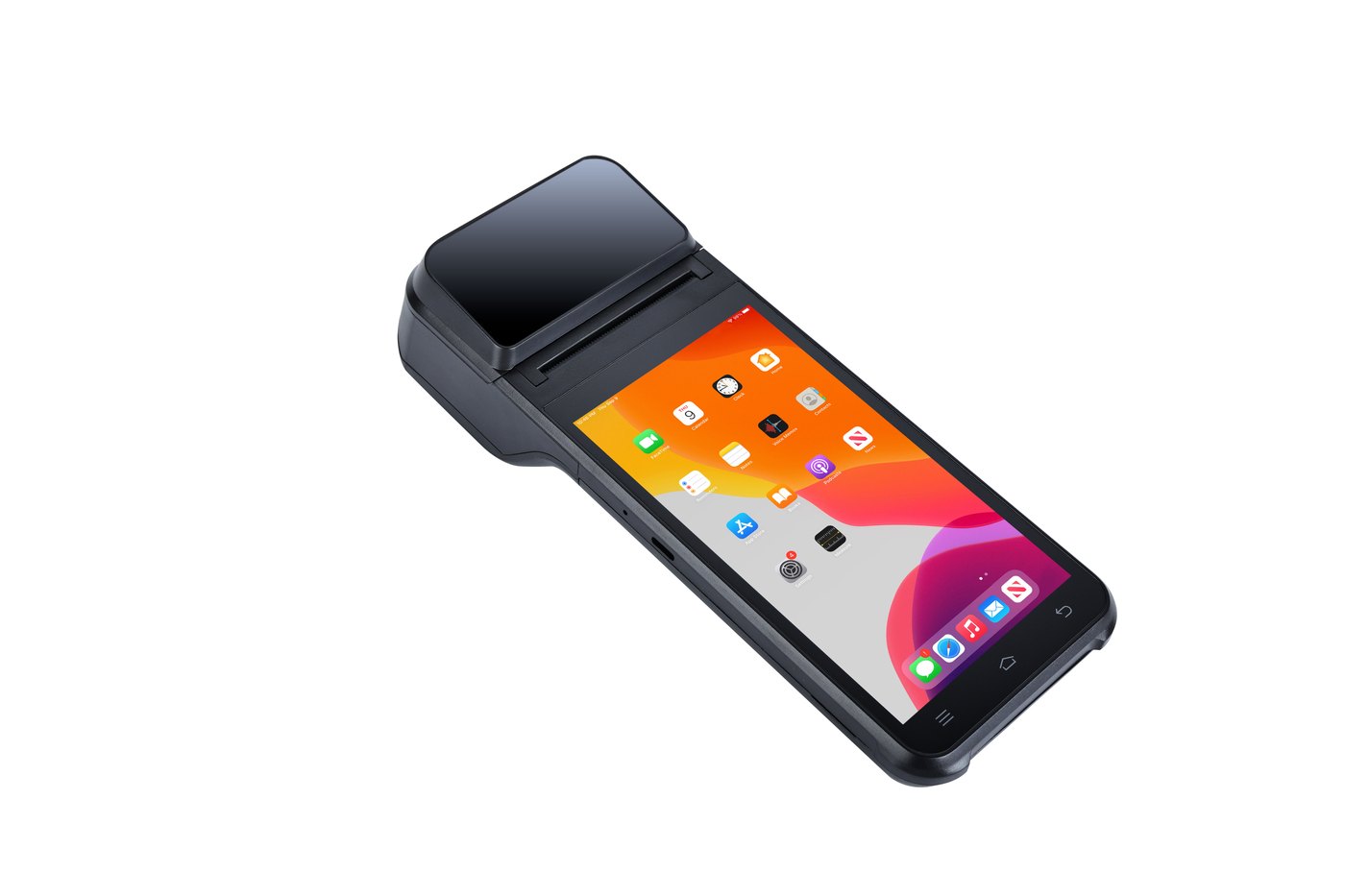
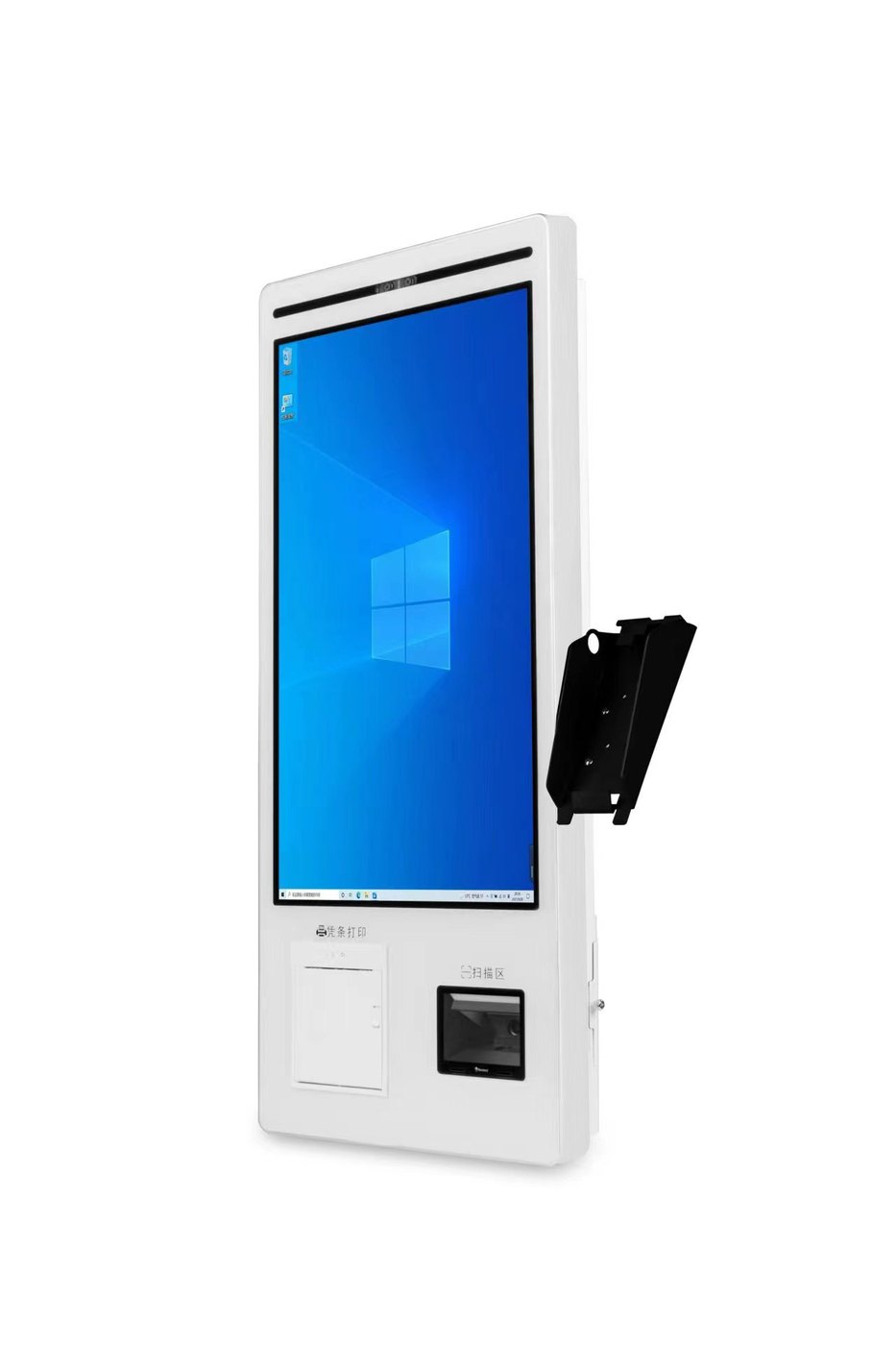
A convenience store needs to clear mixed baskets quickly, replenish essentials before they run out and trace every sale. A clothing shop also needs to distinguish styles and sizes. Combine Cairan POS hardware, free offline software and scoped customization around selling, stock and store records.

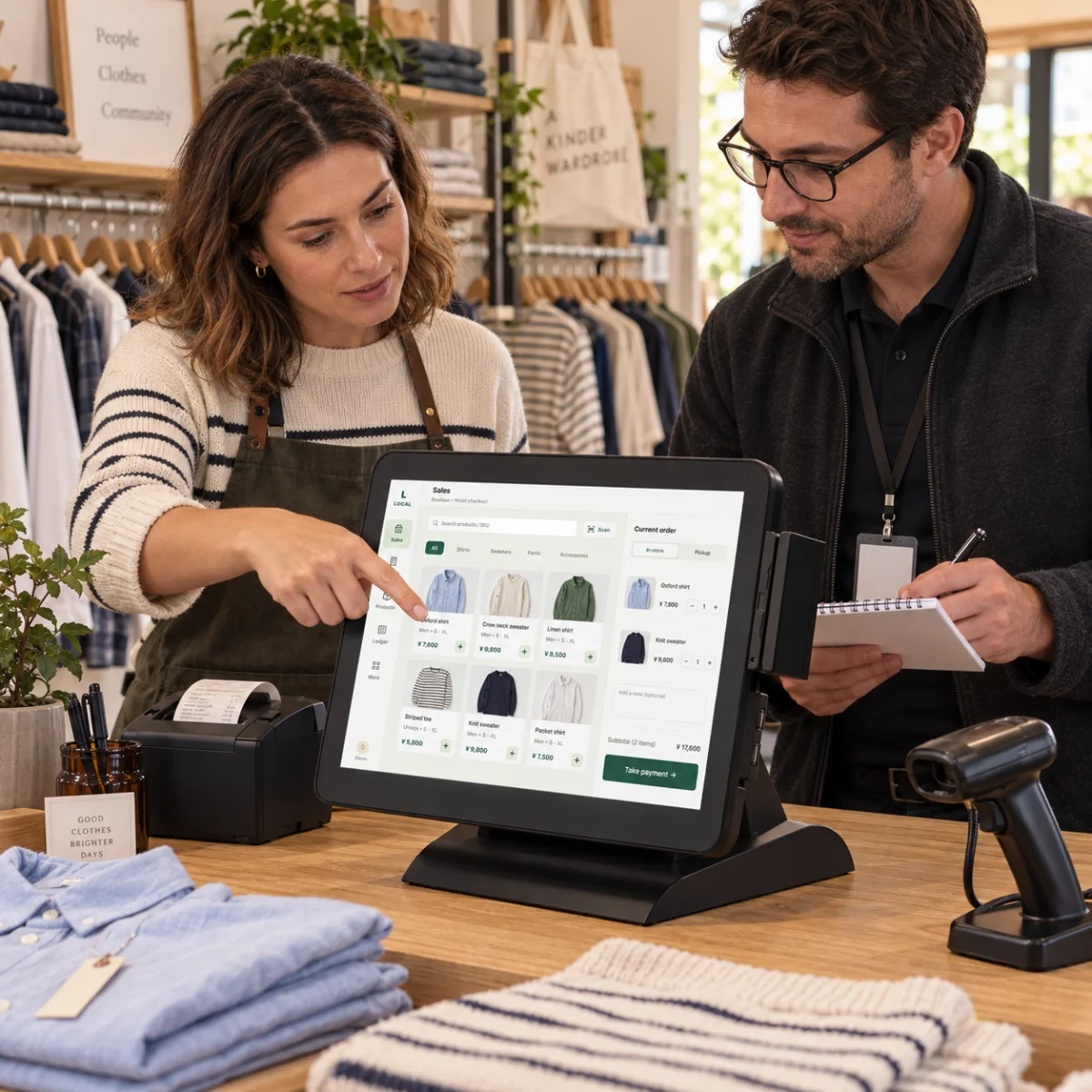
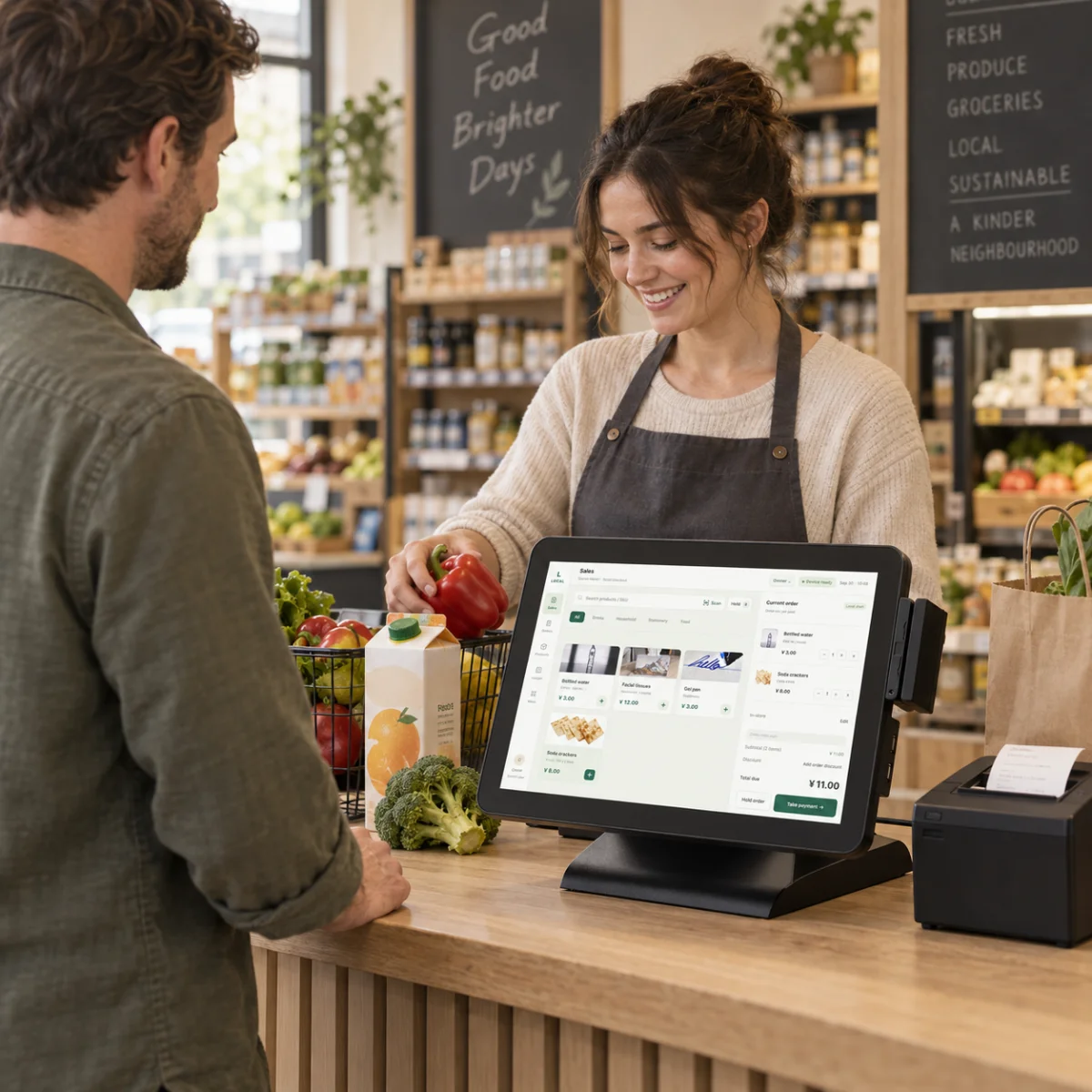
Retail checkout scene with a POS terminal and receipt printer
Retail application scene · English demo interface; configuration confirmed per project

From the first barcode to the next shelf refill.

Seven retail situations connect your POS to the work behind every basket, stock check and customer query.

BARCODE CHECKOUT

Scan products into the basket and keep the queue moving.

Drinks, snacks and household goods arrive together at the counter. Typing each name slows service. With a compatible scanner and correctly mapped barcodes, products can enter the POS basket while a nearby screen and receipt printer keep scanning, checking and printing within reach.

  • Validate barcode-to-SKU and price mappings, scanners and printers before rollout.
  • Compatible hardware can ship with Cairan POS Free preinstalled, with the configuration agreed before delivery.
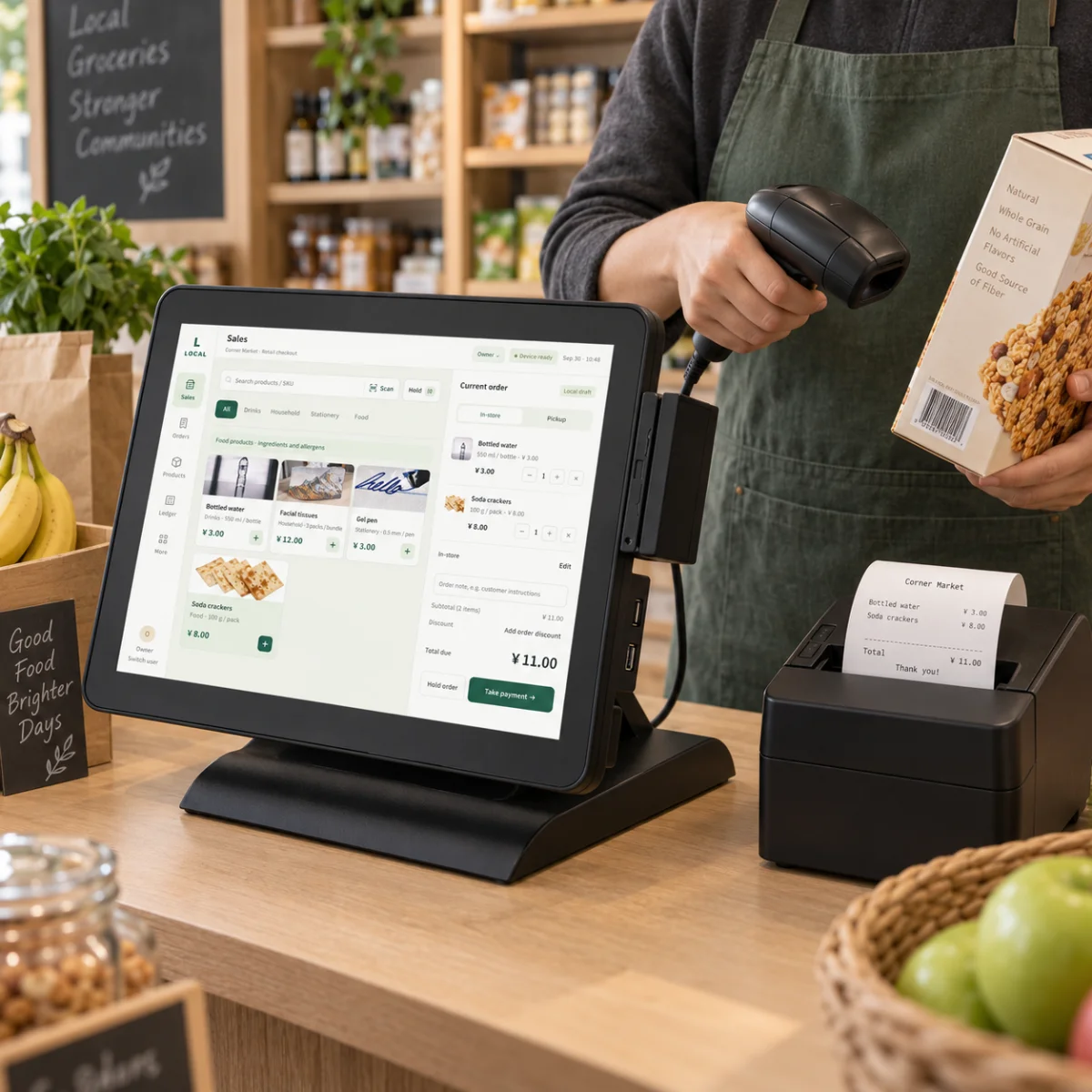
Retail countertop POS, barcode scanner and receipt printer as a clerk scans a product
Retail application scene · English demo interface; configuration confirmed per project

MIXED BASKETS

Check every item and quantity before the customer pays.

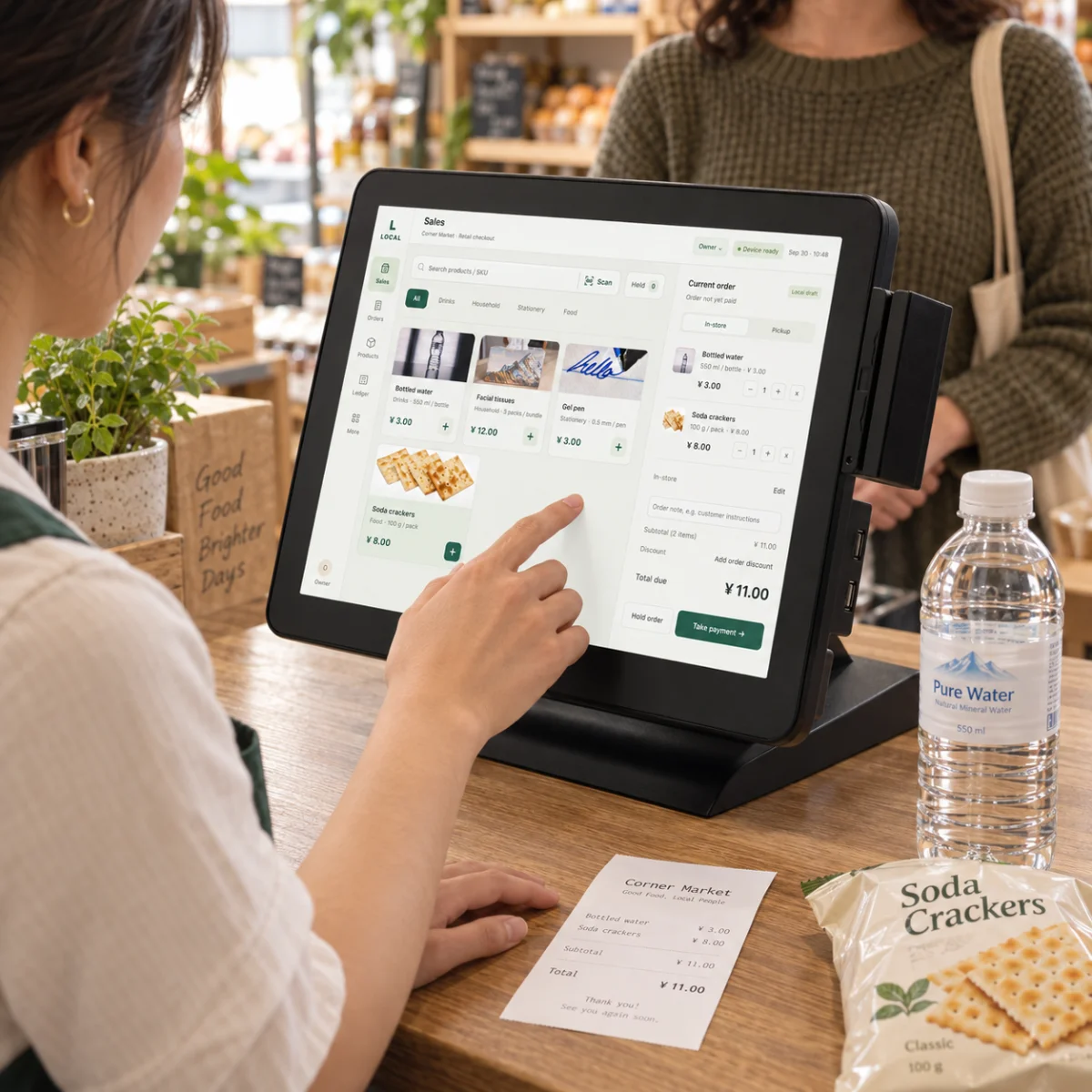
Several bottles, a packet of crackers and household essentials belong to one purchase. Reviewing products, prices and quantities in one basket helps avoid duplicate entries and wrong counts. Core baskets and local checkout remain available offline, with transactions stored on the device.

  • Review item lines, quantities, discounts and the amount due before completing the sale.
  • Card and online payment authorization require the provider and connectivity; external synchronization is scoped separately.
Clerk reviewing bottled water and crackers in a POS basket
Retail application scene · English demo interface; configuration confirmed per project

STOCK & REPLENISHMENT

Spot products running low before the shelf is empty.

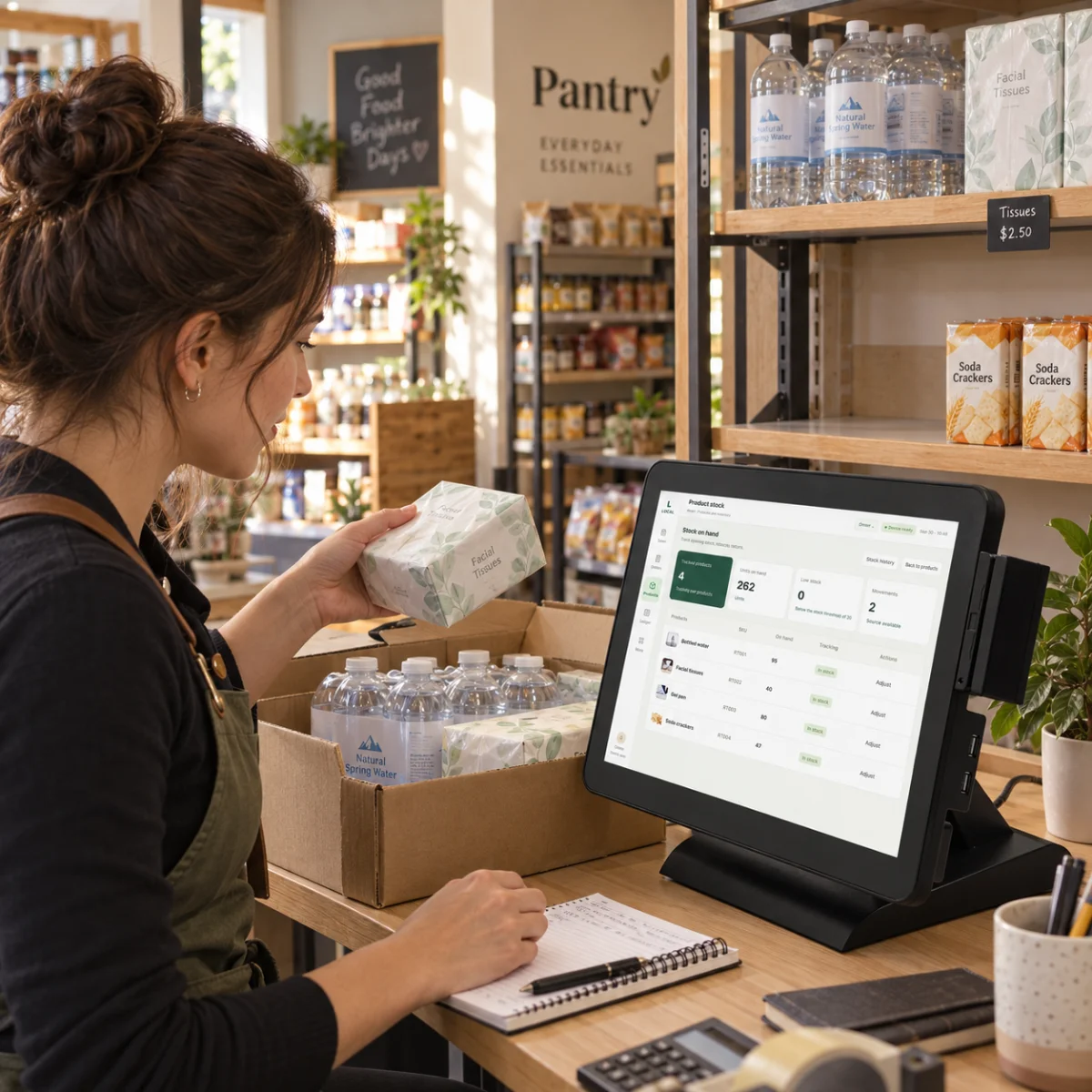
A missing best-selling drink or an unfilled tissue shelf can cost a sale to a customer already in store. Stock quantities, movements and low-stock prompts help staff identify which SKUs to check physically and replenish first.

  • Review quantities and movements such as receipts and sales by SKU to investigate stock differences.
  • Use low-stock prompts alongside physical counts to plan replenishment instead of relying on memory.
Assistant comparing tissues and bottled water with POS stock records before replenishment
Retail application scene · English demo interface; configuration confirmed per project

TRANSACTION LOOKUP

Answer a receipt query with the original sale details.

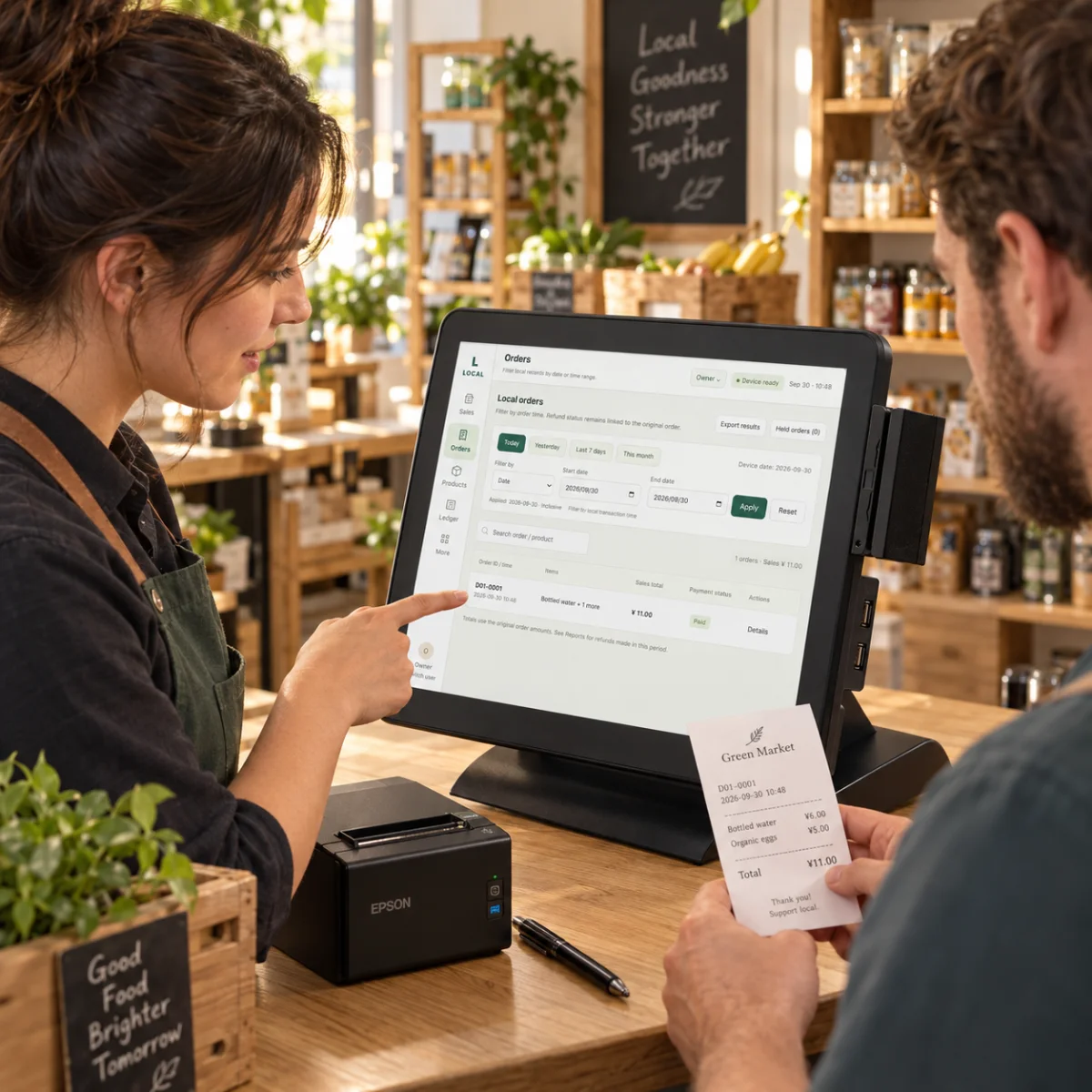
“Was I charged twice?” and “How many did I buy?” need more than a daily total. Original order lines let staff check products, quantities and amounts, support handovers and verify the purchase when a return or exchange is requested.

  • Compare receipt and order details; return and exchange rules are confirmed for the store workflow.
  • Export sales records for shift checks and existing accounting workflows.
Two coworkers comparing a paper receipt with POS order history during handover
Retail application scene · English demo interface; configuration confirmed per project

FAST & SLOW SELLERS

See what sells before deciding what to buy again.

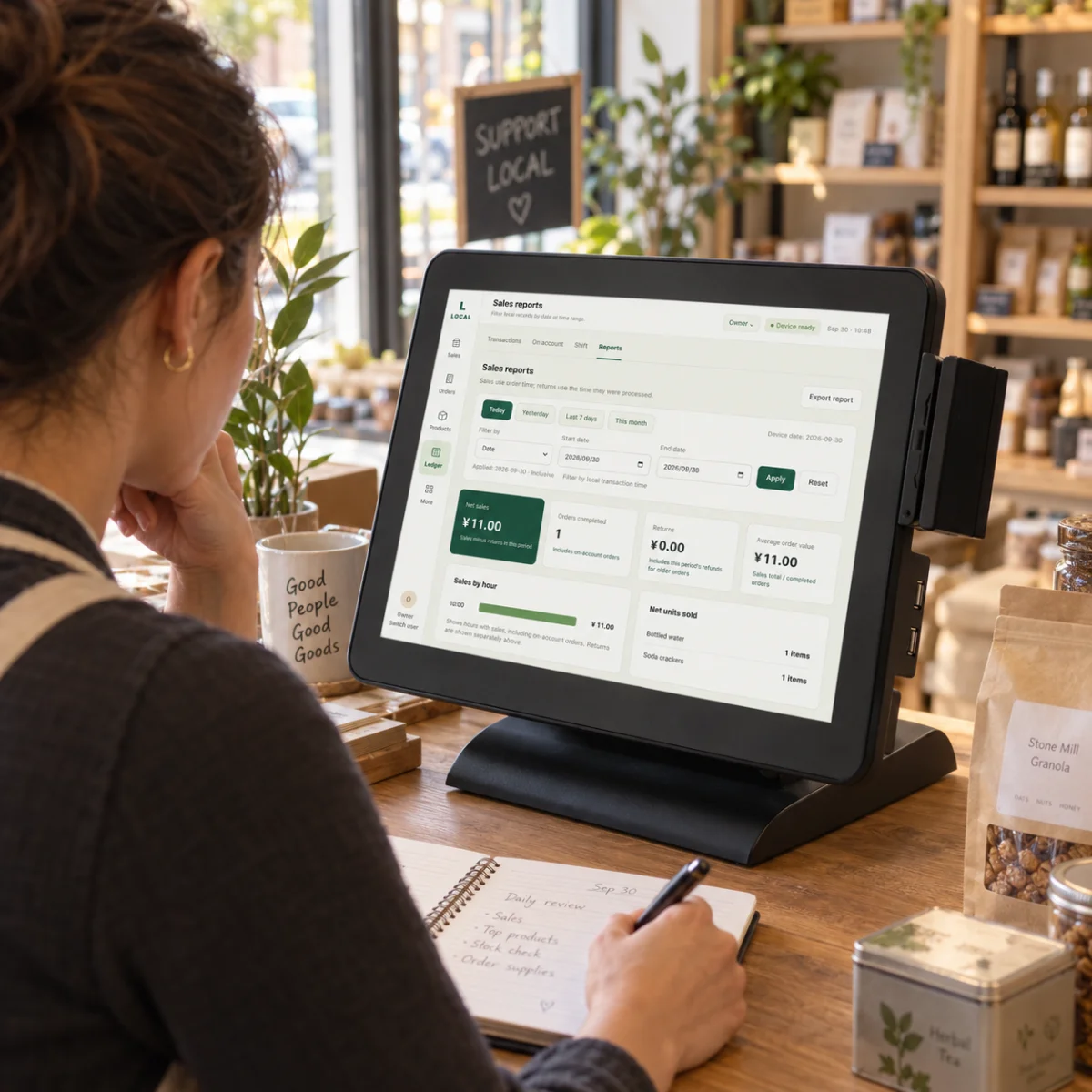
Total revenue can hide a drink that needs frequent replenishment and another that occupies shelf space for weeks. Compare SKU sales trends with stock and purchase costs to prioritize replenishment, displays and assortment changes.

  • Compare item quantities and sales values across periods alongside current stock.
  • Use sales trends to inform product selection and replenishment priorities.
Store owner reviewing POS sales reports and noting replenishment plans
Retail application scene · English demo interface; configuration confirmed per project

APPAREL & SPECIALIST RETAIL

Distinguish styles, colors and sizes with less searching.

One shirt can have many colors and sizes, so a convenience-store category structure may not fit. Cairan can assess variant-to-SKU organization, product search and barcode workflows as a tailored pilot using the steps staff take to find and sell an item.

  • Style, color, size and barcode mappings are scoped customization, validated with real product samples.
  • Custom development, deployment and separately agreed support are quoted independently.
Boutique owner and implementation specialist discussing POS categories and checkout customization
Retail application scene · English demo interface; configuration confirmed per project

MEMBERSHIP, STOCK & ERP

Sell an item without recording it again in every system.

POS records sales, a stock system records goods and a loyalty system records customers. Different item codes and order identifiers lead to repeated maintenance. Cairan maps product and transaction fields before connecting inventory, ERP and membership through agreed interfaces.

  • Member recognition, points, discounts and external stock synchronization are assessed separately and are not default free-edition features.
  • Validate duplicate events, retries and manual recovery in the pilot before agreeing rollout scope.
Specialist and store owner comparing POS stock with a laptop product table to check identifier mappings
Retail application scene · English demo interface; configuration confirmed per project

Retail solutions

Start with your counter and product workflow.

Share your store type, country, catalogue size, devices and existing business systems. We will use them to confirm compatibility, a demonstration and pilot scope.

Discuss my retail store
  • Cairan POS Free software is free to use. Hardware is quoted separately.
  • Customization, integration and separately agreed deployment or support services are quoted independently.
  • The free edition stores records locally. Multi-site reporting and external synchronization require separate assessment and are not included by default.