Cafés and table service
Bring order review and payment handoff closer to the guest.
CAIRAN Z108 · Portable Android POS
An 8-inch Android terminal for the counter and mobile service. Connect ordering, customer confirmation and receipt printing around the way your business works.
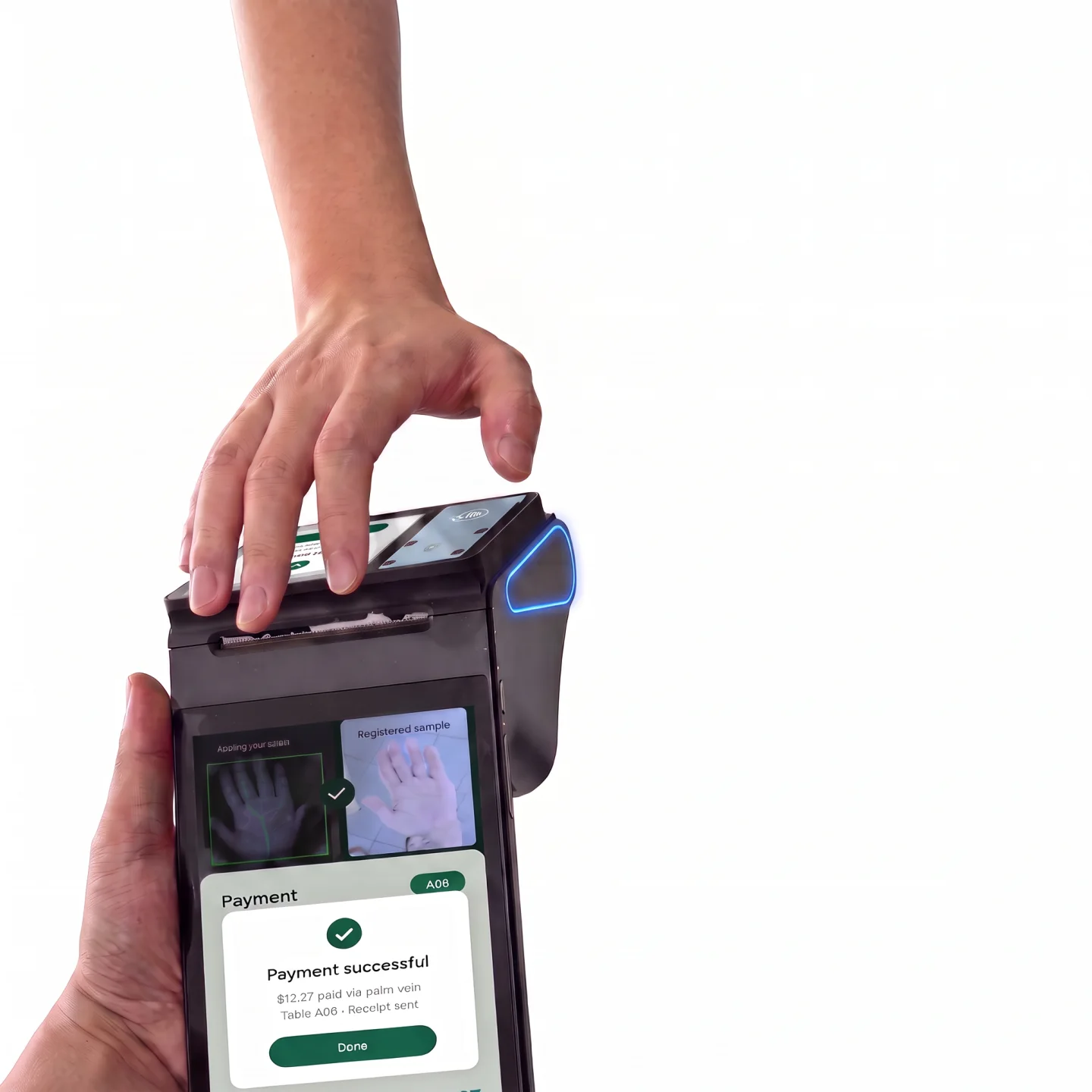
Illustrative scenes show a 2.6-inch secondary-screen variant. The specification lists 3.95 inches; confirm the exact SKU and screen combination before ordering. Payment screens do not establish provider compatibility.
01 / CAIRAN Z108
Cairan selects hardware and adapts software, peripherals and existing systems for your project. Confirm the configuration first, then test the complete workflow before rollout.
Explore POS software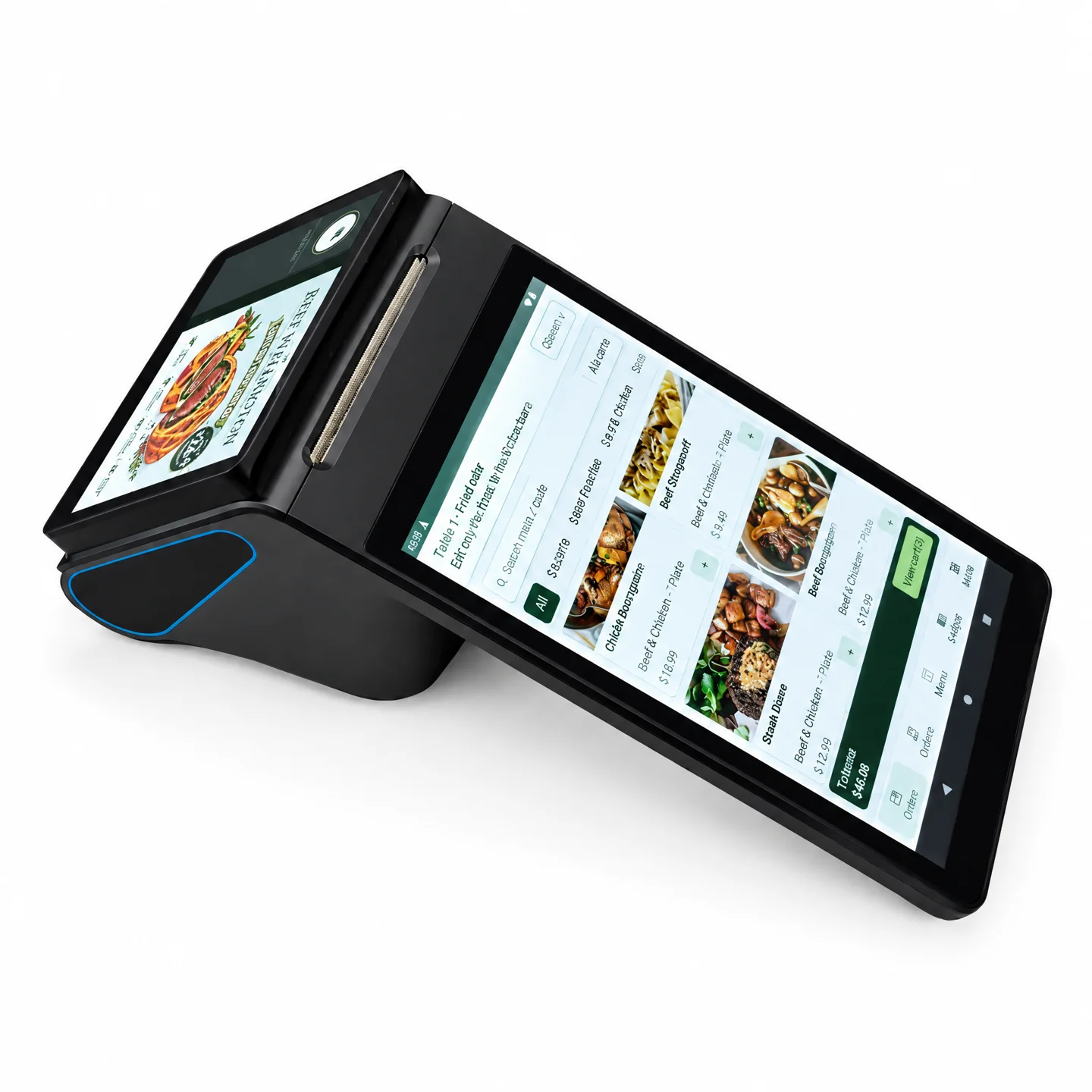
02 / CAIRAN Z108
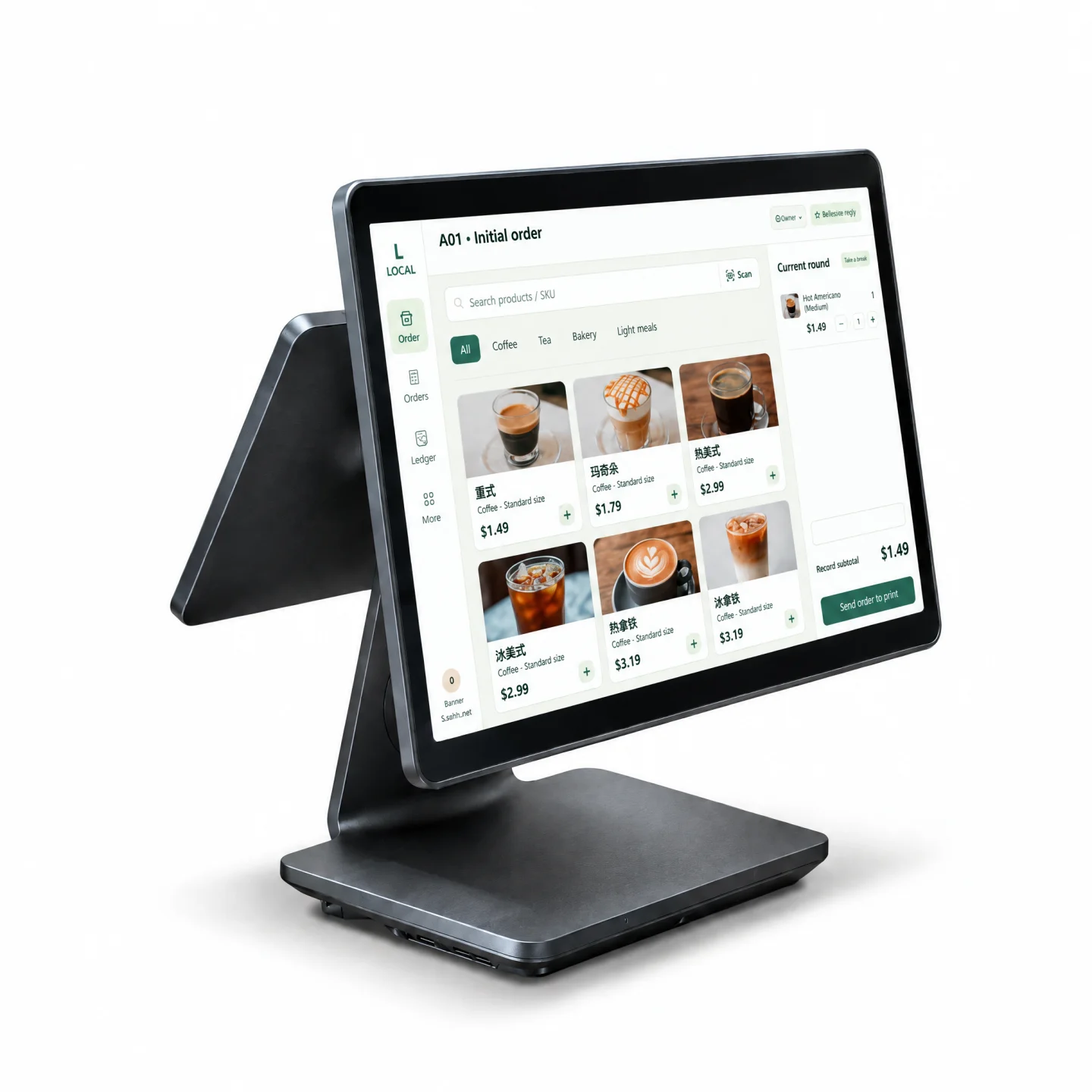
See the Z108 on a counter, with touchscreen operation, secondary-screen switching and receipt printing. The demonstration illustrates hardware and software interaction; the delivered functions depend on your configuration.
Open the video watch page03 / CAIRAN Z108
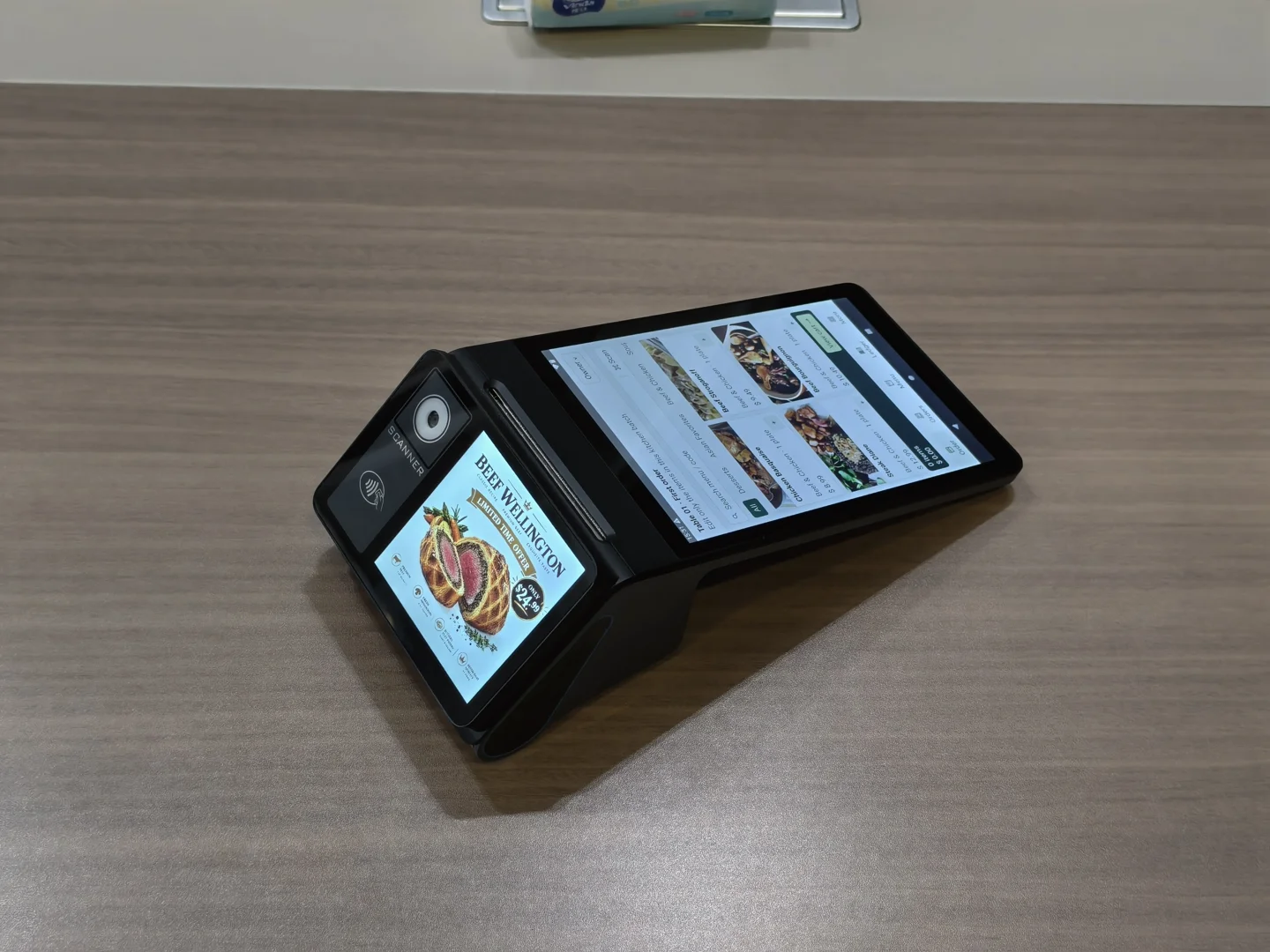
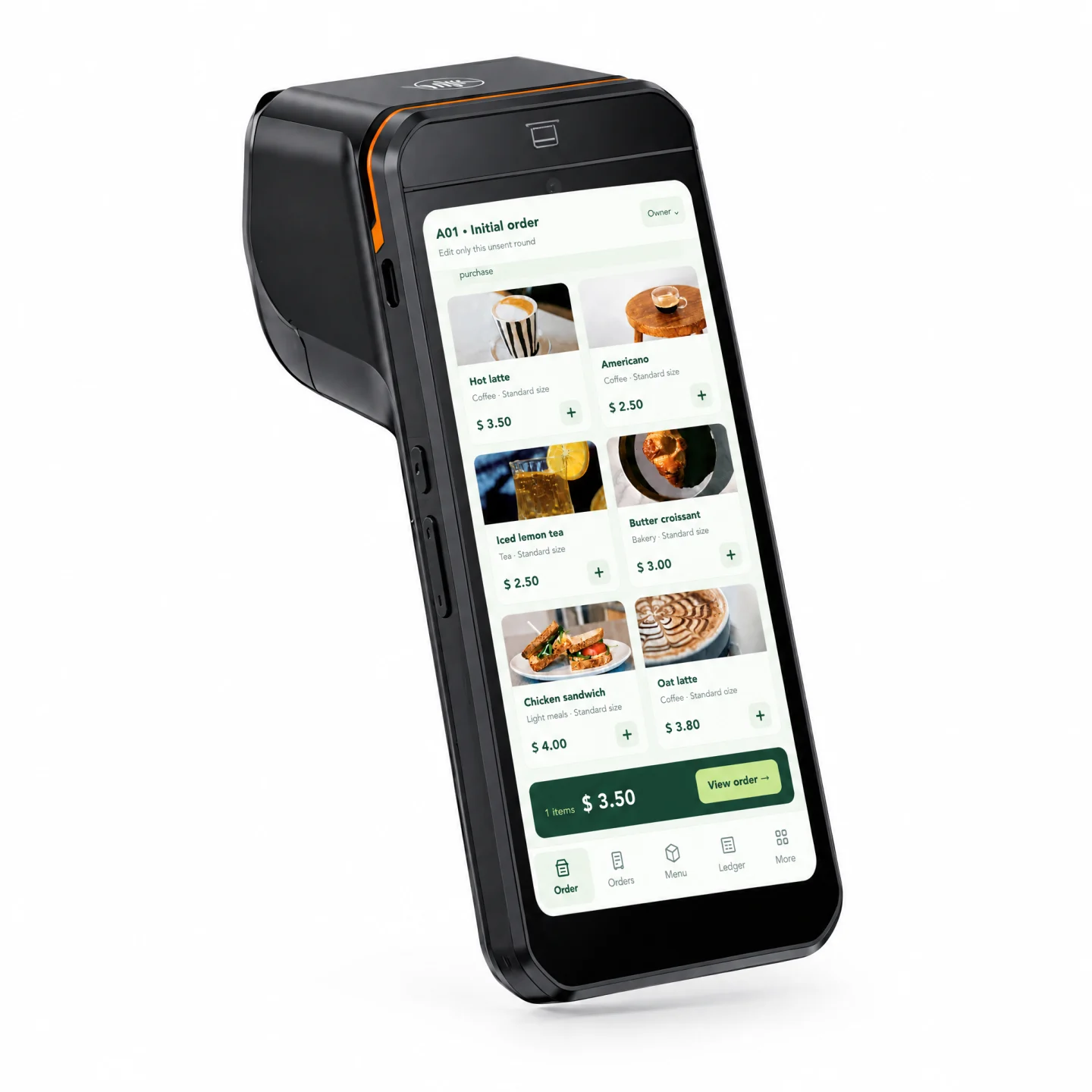
An 8-inch, 800 × 1280 touchscreen gives staff room for menus and orders. The supplied specification lists a 3.95-inch secondary display; customer-facing content is configured in software.
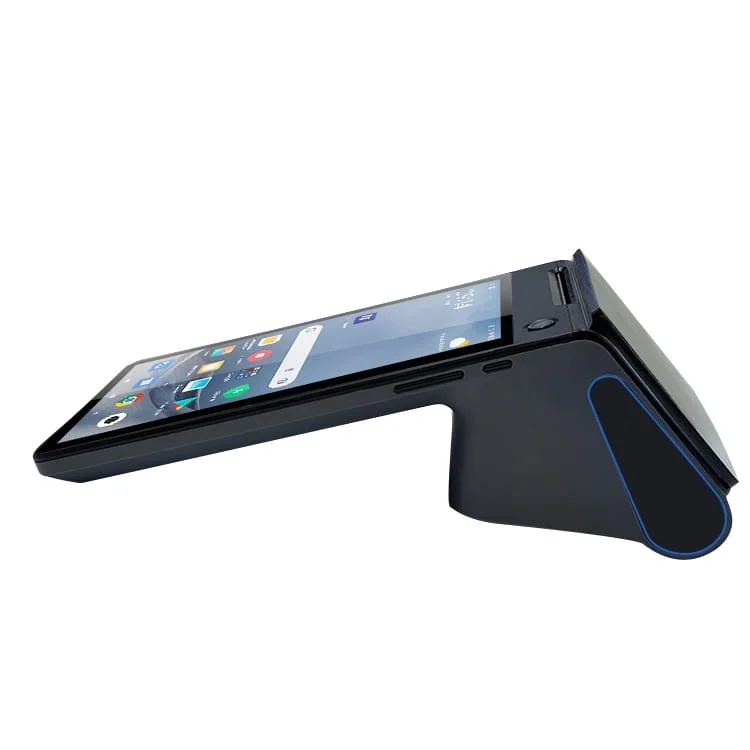
A 7.6 V, 3600 mAh battery and wireless connectivity provide a base for mobile service. Runtime depends on screen brightness, printing, network use and workload.
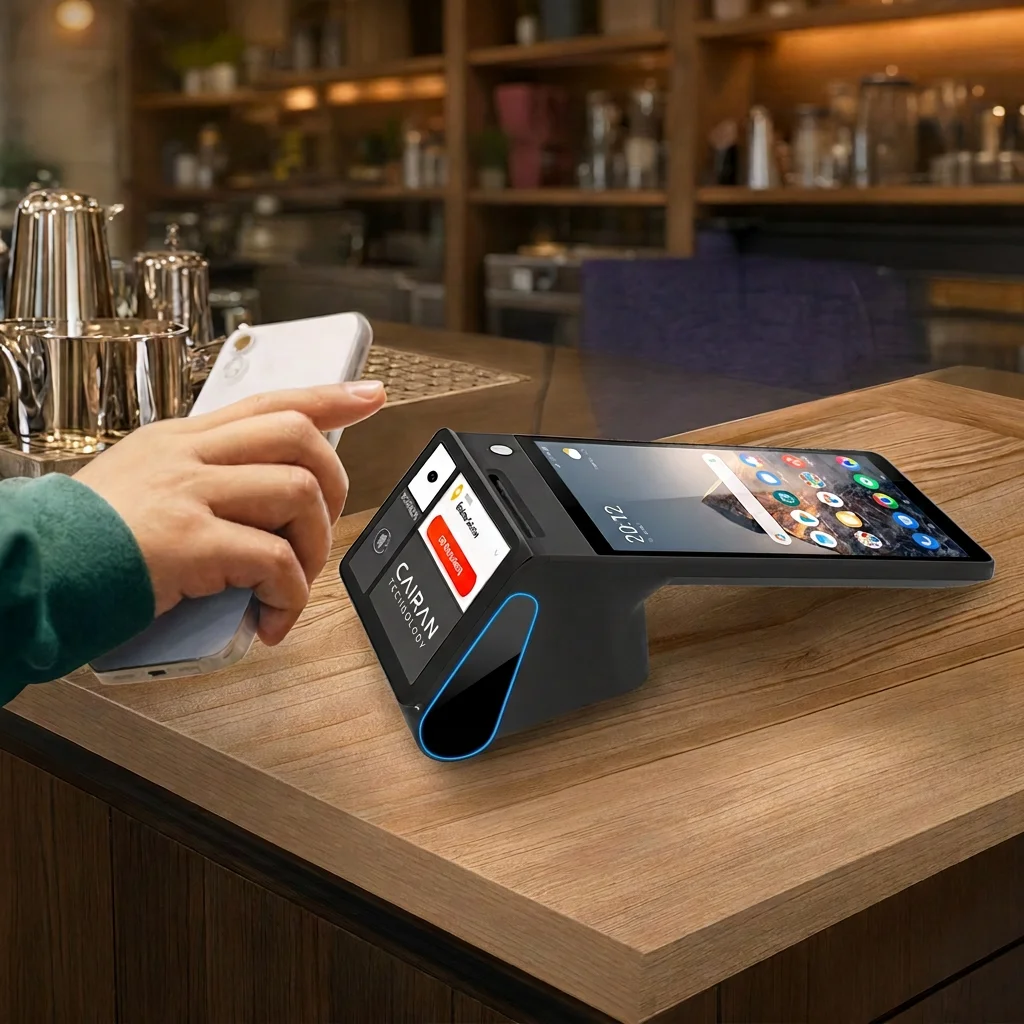
Evaluate optional NFC, barcode scanning and thermal printing together. USB, RJ11, RJ12 and RJ45 interfaces are listed; quantities, drivers and device compatibility require confirmation.
04 / CAIRAN Z108
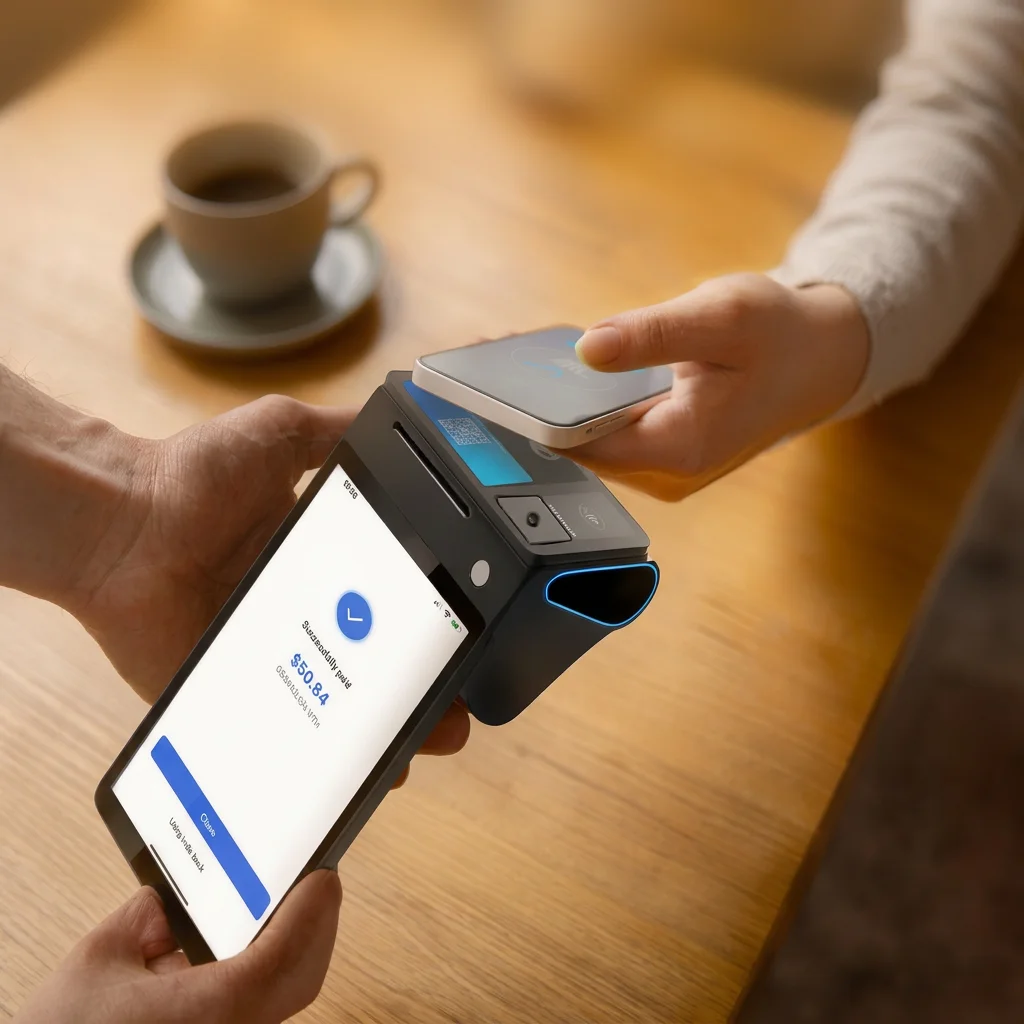
Bring order review and payment handoff closer to the guest.
Plan ordering, receipts and network access around temporary service locations.
Illustrative scenes show a 2.6-inch secondary-screen variant. The specification lists 3.95 inches; confirm the exact SKU and screen combination before ordering. Payment screens do not establish provider compatibility.
05 / CAIRAN Z108
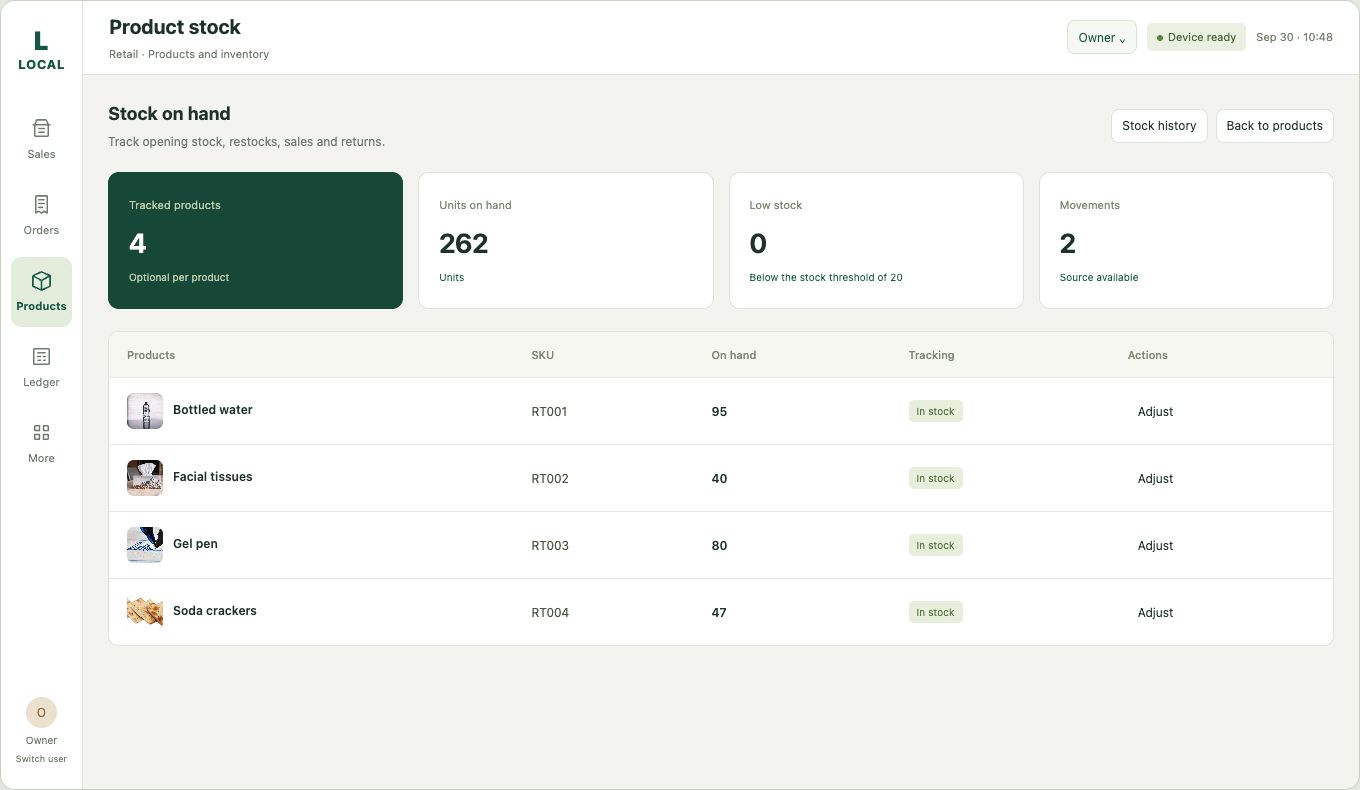
Evaluate ordering, inventory, membership, ERP and payment callbacks against your existing application. Define permissions, data ownership, synchronization and recovery before integration.
Explore POS software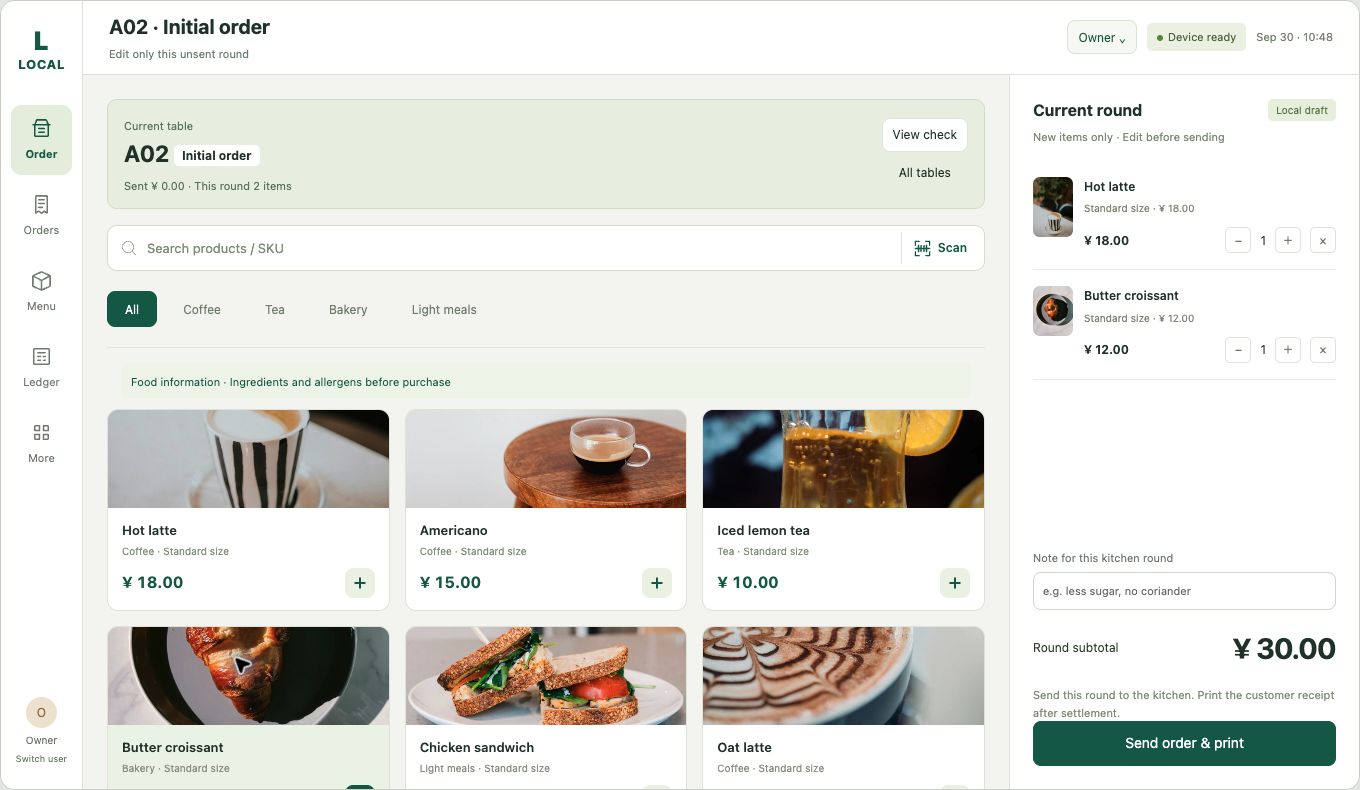
06 / CAIRAN Z108
Share the workflow, region, quantity and existing systems.
Select displays, printer, reader and network options.
Test orders, payment responses, receipts and recovery; train and hand over.
07 / CAIRAN Z108
| Model | Z108 |
|---|---|
| Operating system | Android 14.0 |
| Processor | Octa-core, up to 2.3 GHz |
| Memory | 4 GB RAM + 32 GB ROM |
| Main display | 8-inch touch, 800 × 1280 |
| Secondary display | 3.95-inch listed; confirm variant |
| Battery | 7.6 V / 3600 mAh lithium |
| Wireless | Wi-Fi / Bluetooth / GPS |
| Thermal printer | 58 mm / 80 mm optional; confirm SKU |
| Cellular | 4G / 3G / GSM optional; confirm bands |
| Camera / scanner | 5 MP camera; optional barcode scanner |
| Card slots | 1 × SIM; 1 × PSAM / 2 × SIM optional |
| NFC | Optional; ISO/IEC 14443 A&B, MIFARE, FeliCa; confirm payment provider |
| Ports | USB / RJ11 / RJ12 / RJ45; confirm quantities |
| Buttons | Power / scan / volume |
| Operating temperature | 0°C to 50°C |
| Storage temperature | −10°C to 60°C |
Listed specifications are selection references. Optional modules, dimensions, weight, certification documents, warranty and delivery terms are confirmed in the project quotation.
Download specifications CSV08 / CAIRAN Z108
The supplied specification lists 3.95 inches, while the payment scenes show a variant labeled 2.6 inches. Confirm the exact model and display in the quotation.
The reader, application, payment provider, certification scope and deployment region must be checked together. A payment illustration is not a compatibility test.
Offline behavior depends on the application. Define local records, transaction queues, synchronization and backup; online payment authorization depends on the provider and network.
Cairan can assess Android compatibility, permissions, printer commands, scanner input and system APIs. Adaptation and integration are scoped and quoted separately.
58 mm and 80 mm thermal printer options are listed. Confirm paper width, printer SKU, accessories and availability before ordering.
CAIRAN Z108
Share your industry, country, quantity, printer and payment needs, current software and deployment date. We will assess the hardware and integration scope together.
Discuss Z108Hardware, customization and integration services are quoted by project.