Access & attendance
Connect verification events to staff records, attendance rules and access-controller responses. Include failed matches, duplicate events and administrator review.
Z108P / PALM VEIN TERMINAL
Bring palm vein verification into access, attendance and customer service. An 8-inch touch terminal, configured around your identity workflow.
 Application illustration · Configuration by project
Select the modules for the task.
Define enrollment and verification.
Test the complete response chain.
Prepare operators and administrators.
01 / THE COMPLETE WORKFLOW
A terminal must do more than recognize a palm. Enrollment, records, permissions and the response from the connected system determine what happens next.
Cairan helps define that chain, select the hardware and integrate the application. The biometric engine, data architecture and acceptance tests are agreed for your project.
02 / PRODUCT DEMONSTRATION
A 35-second look at the terminal, palm vein demo, printing and NFC/QR features. The video illustrates a configuration; installed software, modules and payment access are confirmed separately.
Open the video watch page03 / HARDWARE & IDENTITY
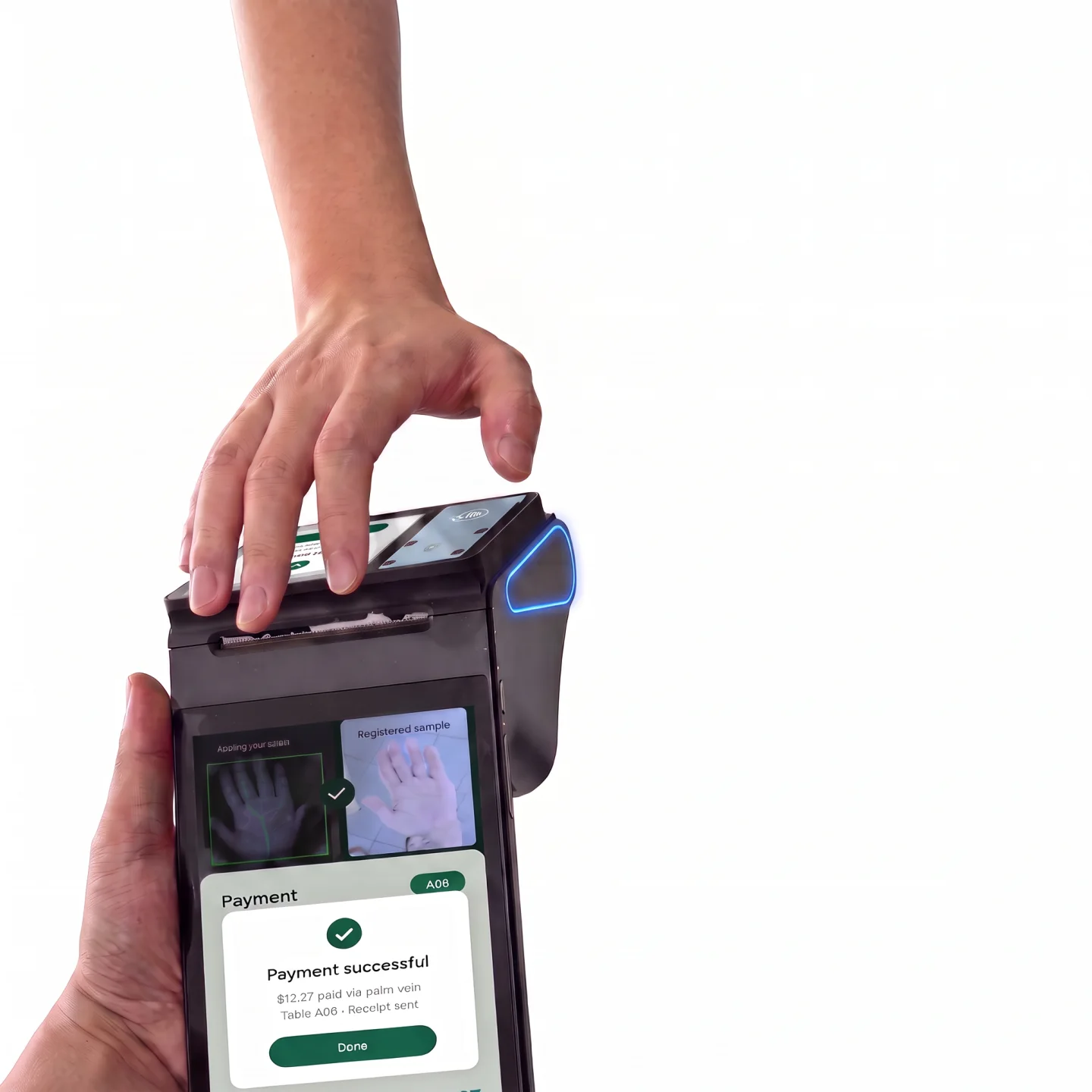
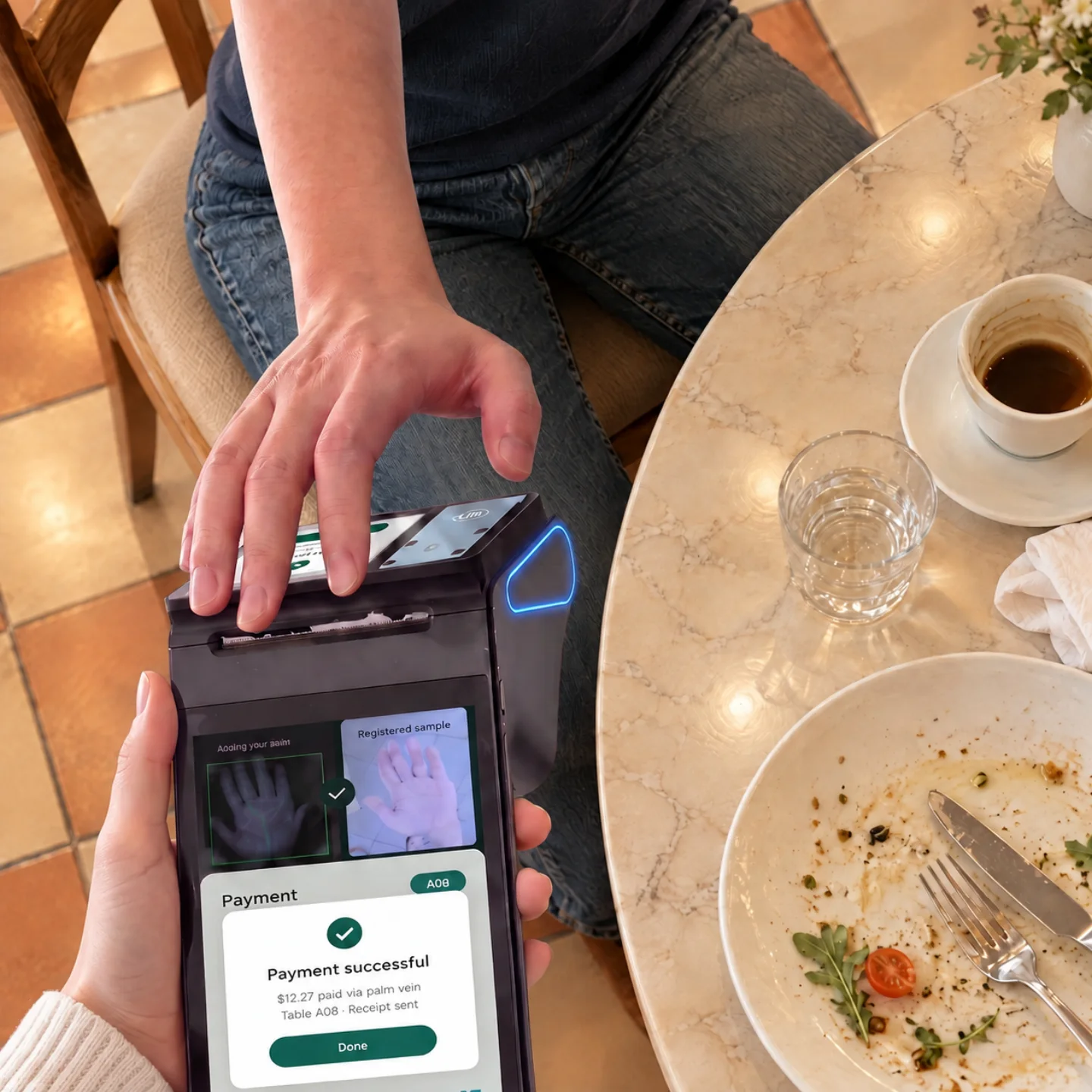
Near-infrared imaging captures palm vein patterns beneath the skin. Define enrollment, positioning guidance, matching and fallback together so the interaction fits your operation.

An 8-inch, 800 × 1280 touch display provides space for enrollment instructions and verification feedback. An optional 3.95-inch MIPI display can support a second view in the agreed application.

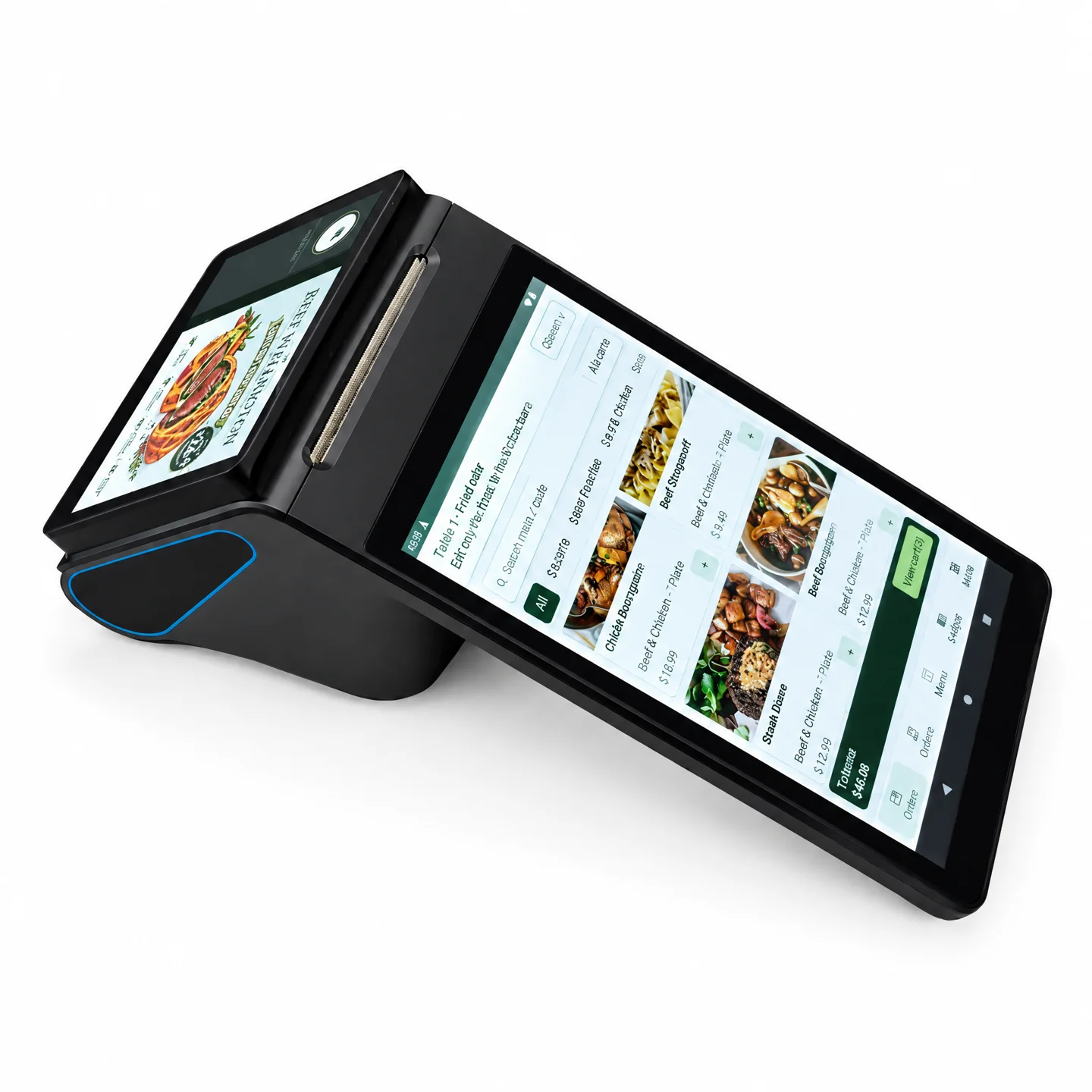
Evaluate NFC, QR, camera, barcode scanner, SIM/PSAM, 4G and 58 mm receipt printing as configuration items. Map identity, membership, payment response and receipt output before the pilot.
04 / APPLICATIONS
Potential project scenarios, not named customer deployments. Software and integration scope are agreed before a pilot.
Connect verification events to staff records, attendance rules and access-controller responses. Include failed matches, duplicate events and administrator review.
Evaluate a guided contactless identity step with permissions, audit records and an alternate verification method defined by the project owner.
Link an agreed identity workflow with membership, service or selected payment projects. Confirm the application, provider and installed modules first.
05 / SOFTWARE & INTEGRATION
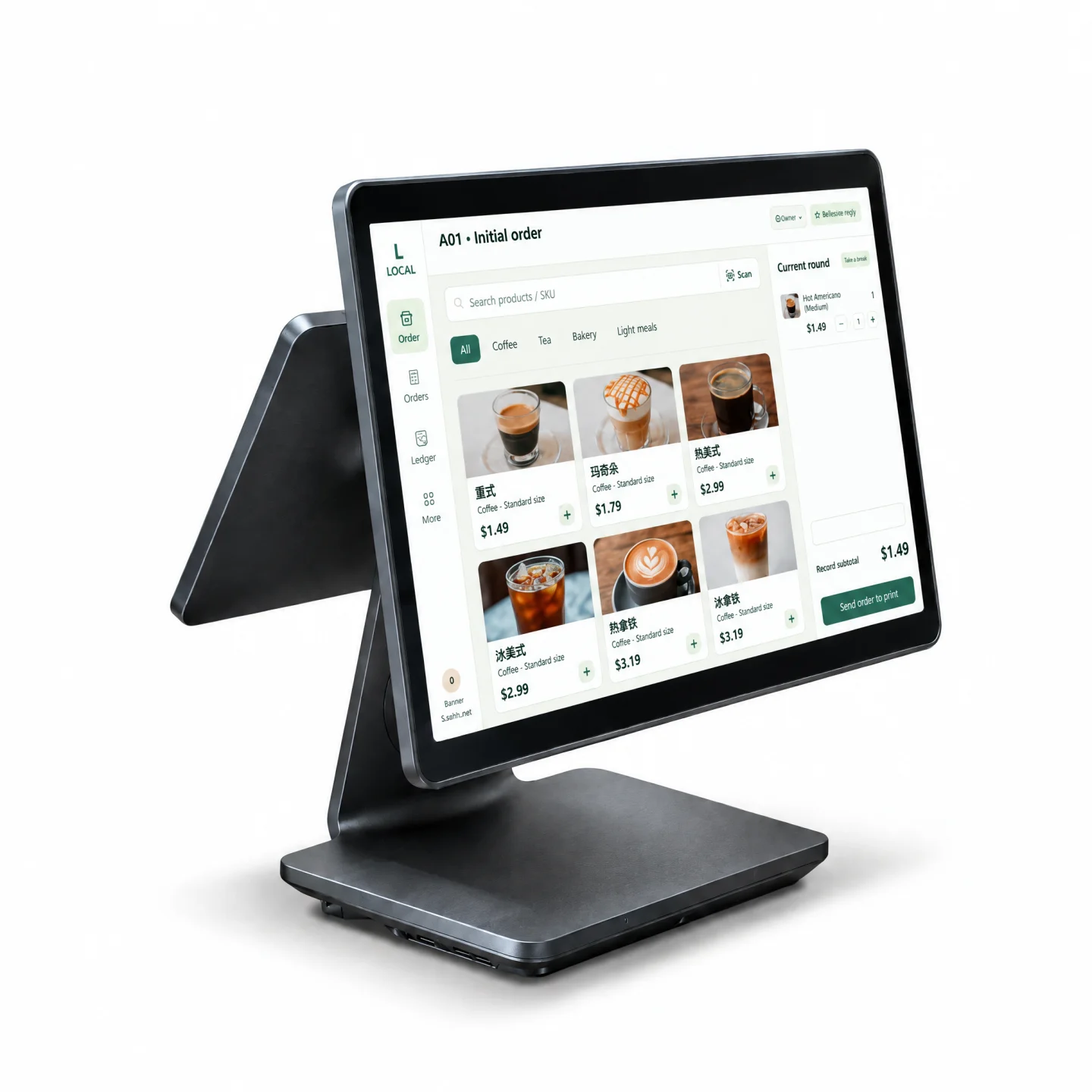
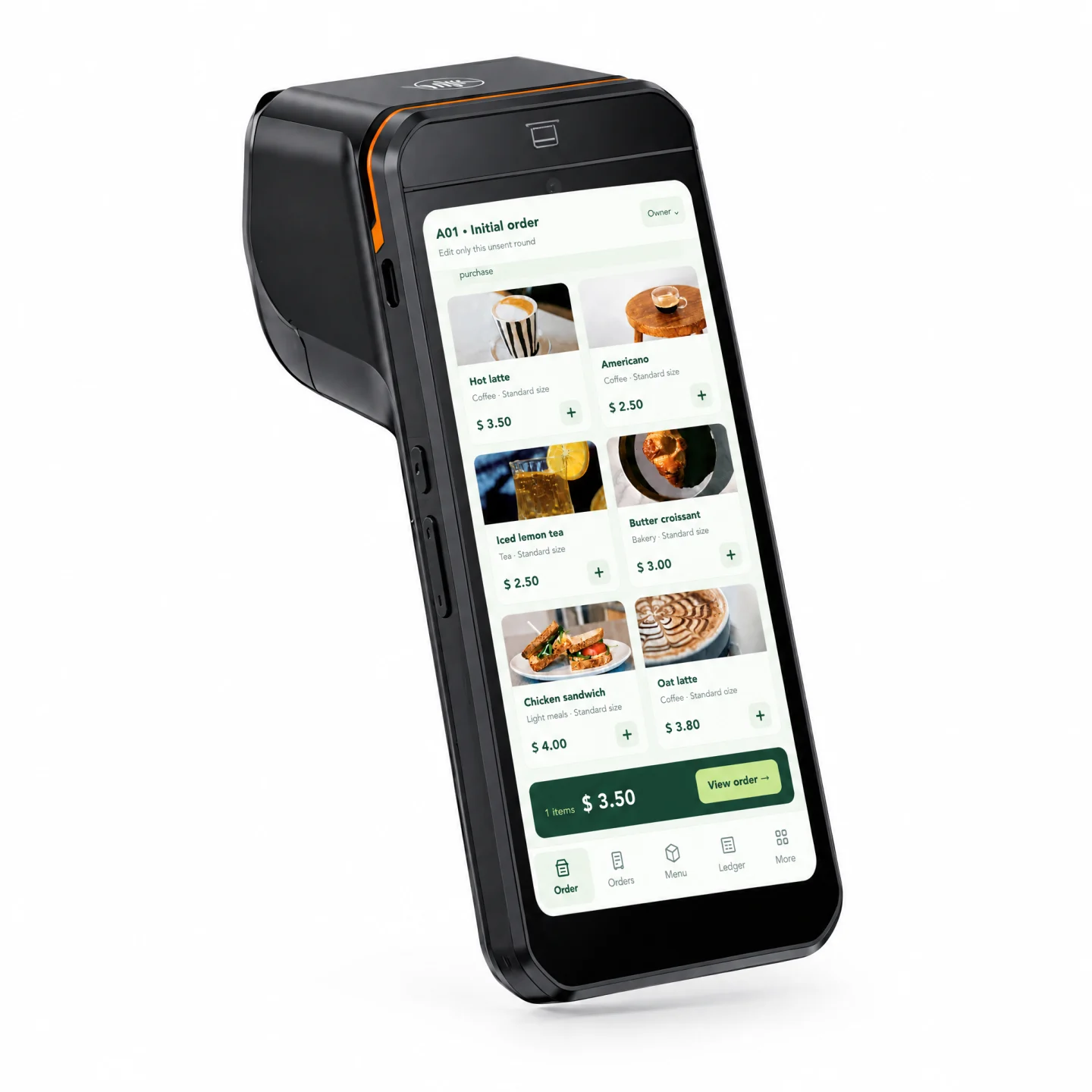
The application, biometric engine and external-system behavior are defined for the use case. Existing software previews illustrate a separate software offering; they are not native Z108P biometric screens.
Define 1:1 / 1:N matching, duplicate enrollment, retries and alternate credentials.
Evaluate access, attendance, membership, ERP or CRM through available SDKs and APIs.
Agree storage, synchronization, backup, administrator permissions, audit records and deletion procedures.
Measure real matching performance and test timeouts, network interruptions, device resets and fallback.
Software adaptation and third-party integration are scoped and quoted separately.
06 / DELIVERY
Use case, locations, user count and verification scale.
Enrollment owner, retention, administrator access and fallback.
Confirm every module and the installation environment.
Matching, network failures, external responses and audit records.
Train operators and document the rollout and support scope.
07 / SPECIFICATIONS
Supplier-listed specifications. Confirm the selected SKU, modules and evidence in the quotation and project specification.
| Model | Z108P |
|---|---|
| Display | 8-inch touch display · 800 × 1280 |
| Processor | Octa-core, up to 2.0 / 2.3 GHz; exact SKU to confirm |
| Memory & storage | 3 / 4 GB RAM + 16 / 32 / 64 GB ROM; configuration options |
| Operating system | Android 14.0 Go; final software image to confirm |
| Battery | 7.6 V · 3600 mAh |
| Palm vein capture | Near-infrared imaging; capture distance and algorithm to confirm |
| Verification | 1:1 and 1:N. Supplier states server-side 1:1,000,000 in under 1 second; validate in the target deployment. |
| Liveness & anti-spoofing | Described by supplier; evidence, method and acceptance criteria to confirm |
| Face recognition / QR | Optional modules |
| Camera / barcode scanner | 5 MP camera / barcode scanner options; confirm selected module |
| Card slots | 1 × SIM + 1 × PSAM / 2 × SIM; configuration-dependent |
| NFC | Optional. Listed standards: ISO/IEC 14443 A&B, MIFARE, FeliCa. Payment provider and EMV/PBOC PayPass certification scope to confirm. |
| Secondary display | Optional 3.95-inch MIPI display |
| Printer | Built-in thermal printer, 58 mm paper; inclusion and exact SKU to confirm |
| Connectivity | 2.4 / 5 GHz Wi-Fi, Bluetooth 5.0; optional 4G LTE, bands to confirm |
| Installation | Desktop or wall mount; mounting accessories to confirm |
| Dimensions / weight | To be confirmed |
| Certification | Model-specific documentation to be confirmed |
08 / FAQ
The supplied product page positions Z108P for palm vein recognition, access control, attendance, healthcare identity verification, financial authentication and selected retail or hospitality scenarios. The final use case depends on the application, data policy and installed modules.
The terminal uses near-infrared imaging to capture subcutaneous palm vein patterns and sends the recognition result through the configured application or server workflow. Capture distance, template protection, matching rules and retention must be confirmed for the project.
The supplier page states support for both 1:1 and 1:N verification and describes server-side recognition at a 1:1,000,000 scale in under one second. Actual results depend on the deployment architecture and should be tested before acceptance.
The supplier page describes living-body detection and anti-spoofing. The specific method, performance evidence, certification and acceptance threshold require confirmation.
The supplier page mentions payment and optional NFC, printer and other modules. Payment deployment depends on the selected payment provider, application, certification, identity policy and local regulatory requirements.
The product page describes NFC as optional. The final NFC module, card standards, payment use and certification scope must be confirmed in the configuration.
The supplied product page lists both wall-mount and desktop deployment. The mounting method and accessories should be confirmed for the installation environment.
The software should define a fallback procedure, such as retry, administrator verification, alternate credential or manual review. The exact fallback must be designed and tested with the customer’s identity workflow.
Cairan can adapt or integrate the application and connected systems according to the project scope. The final biometric engine, server, data storage, privacy process and third-party dependencies require separate confirmation.
START WITH A WORKFLOW REVIEW
Share your use case, operating region, device quantity, enrollment scale, existing systems and rollout date. We will assess the hardware configuration and integration plan.
Plan your Z108P configurationHardware, customization and integration services are quoted by project.